
















Bottom
ArtRage
Color Picker
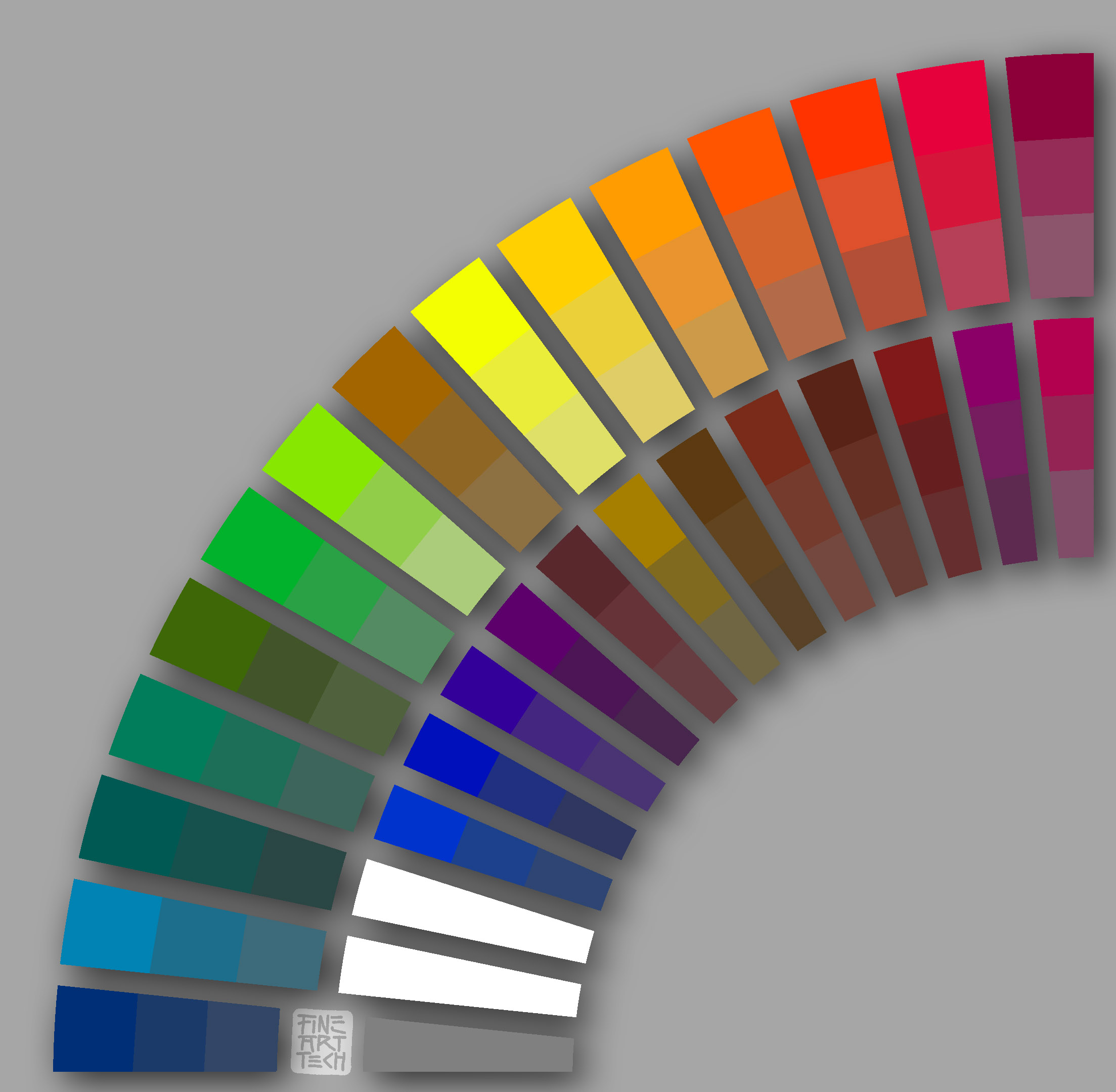
Camille’s 27-Color
Oil Palette
Click on image to download the file titled, “Camille's ArtRage Picker.jpg”
(Hold down “Control” key if you are using Safari browser on a Mac.)
DOWNLOAD & INSTALL
1 —
2 —
3 —
Save (or drag the file, once downloaded) to the ArtRage “Pickers” folder
Pathname: /user/Library/Application Support/Artrage 2/Resources/Pickers/
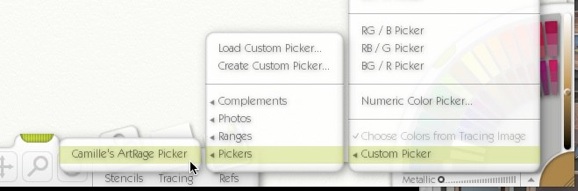
Camille's ArtRage Picker will be accessible in the color picker panel’s popup menu after ArtRage is restarted;
Choose “Custom Picker —> Pickers —> Camille's ArtRage Picker”

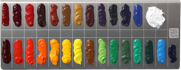


Load this color picker into ArtRage so that it will be accessible within the application